Download Troubleshooting
“File corrupted” — how to repair the game client
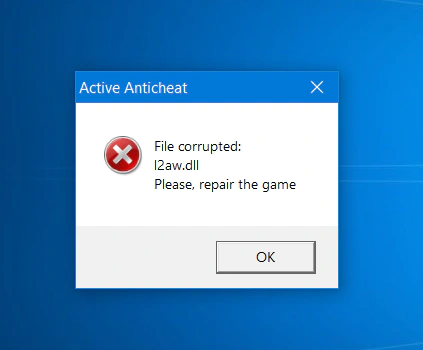
Active Anticheat checked your client and found files that don't match what the L2 Afterwork server expects. Nothing is broken on your PC — the files are simply outdated. Run the auto-updater and it puts them back in a minute.
What this error means
Every protected client file has a fingerprint the server knows. On launch, Active Anticheat compares your files with those fingerprints. If any file differs — after a server update, an old manual patch, or a file touched by another program — you see this window with the file name and the game does not start.
The fix is always the same: let the auto-updater bring your files back in line with the server.
How to fix it
Three steps, about a minute. No reinstall needed.
-
Close the game
Press OK in the error window and make sure Lineage 2 is fully closed.
-
Run the auto-updater
Open the folder where Lineage 2 is installed and launch L2AfterWork.exe. It sits in the client root, next to the system and Textures folders.
Don't have the updater yet? Download it from the Download page and unpack the archive into your Lineage 2 folder.
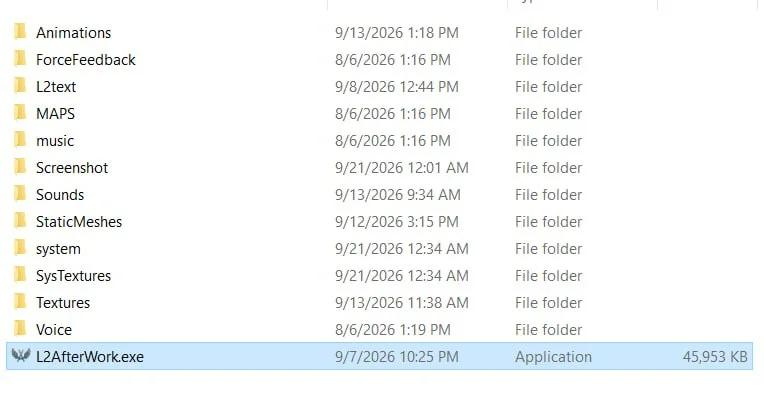
The auto-updater lives in the client root. -
Wait for the check to finish
The updater verifies every file and re-downloads the ones that differ. When the bar is full, press Play.
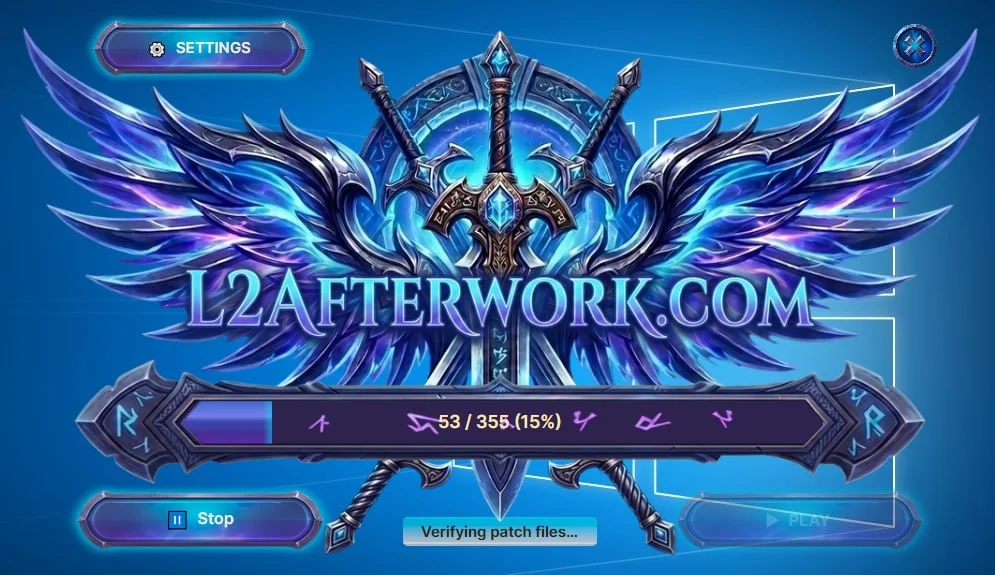
“Verifying patch files” — the updater is comparing your client with the server.
Still seeing the error?
- Make sure the updater was unpacked into the client root — the same folder that contains system — and not into a subfolder.
- Your antivirus may quarantine or lock game files. Add the Lineage 2 folder to its exclusions, then run the updater again.
- If the updater reports that a file cannot be replaced, right-click L2AfterWork.exe and run it as administrator.
- Using a client from another server? Start from our clean client on the Download page — other servers ship modified files that will never pass the check.